Setup takes a Mac or Windows PC and a USB cable. Nothing on the computer is filtered. Check compatibility.
Recorded on protected phones
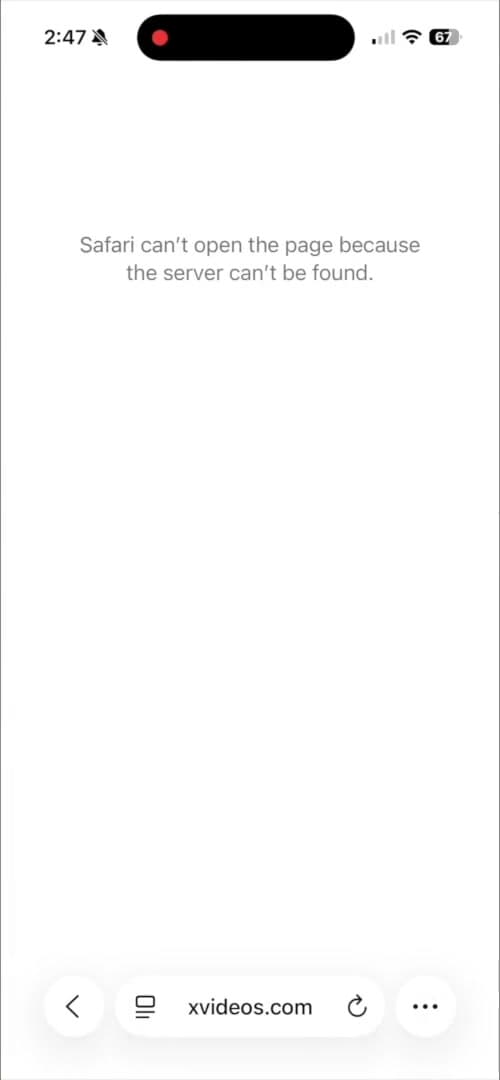
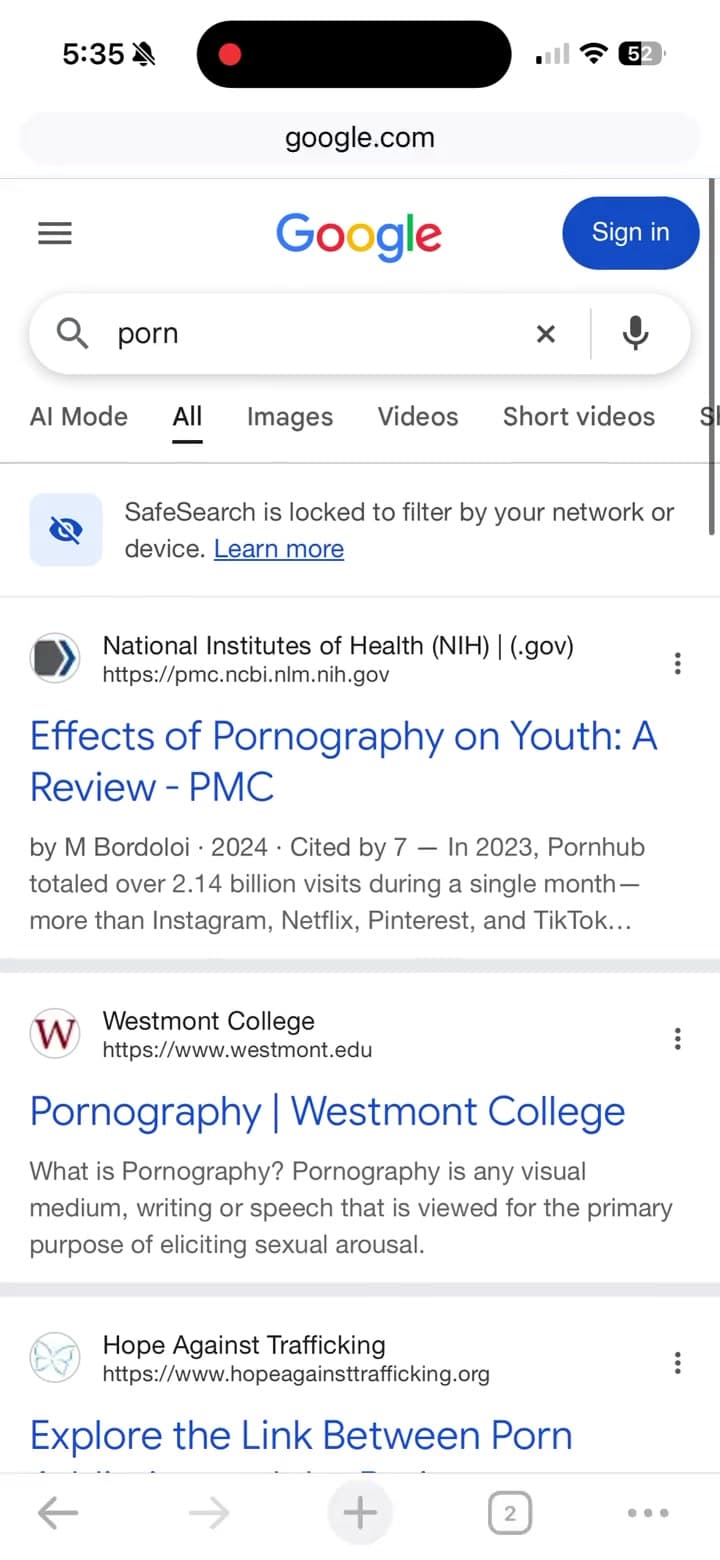
Domain-levelAdult sites are stopped before the page loads. Content inside allowed apps is not inspected.
Removal codeHeld by Shamefull. Not in your hands.
72 hoursFrom canceling to receiving your codes. Protection stays on the whole time.
One setupA Mac or Windows PC and a USB cable. Nothing on the computer is filtered.
Why this one holds
No more broken promises.
Willpower was never the problem. Access was. Every filter you could switch off got switched off at the worst moment. Shamefull puts the off switch somewhere you cannot reach in that moment.
Feature
Browser extension
Screen Time PIN
Free DNS app
Shamefull
Blocks adult websites
Yes
Yes
Yes
Yes
Cannot be switched off from the phone
No
No
No
Yes
Removal needs a code you do not have
No
No
No
Yes
Stops VPN workarounds
No
No
No
Yes
72-hour delay after you cancel
No
No
No
Yes
Feature
Other blockers
Shamefull
Blocks adult websites
Yes
Yes
Cannot be switched off from the phone
No
Yes
Removal needs a code you do not have
No
Yes
Stops VPN workarounds
No
Yes
72-hour delay after you cancel
No
Yes
Other blockers: Browser extension, Screen Time PIN, Free DNS app.
Erasing the phone remains an exit on every option, including Shamefull. DNS filtering blocks domains, not content inside apps you already have.
How it works
One setup. A stronger boundary.
1
Connect your phone
After subscribing, download the setup app on your compatible computer. Connect over USB and follow the guided setup.
The filter blocks adult websites at the domain level. Phone management restricts changing the filter and adding VPNs.
3
Make removal deliberate
Cancel through your dashboard to start a 72-hour delay. Protection stays active during the wait, before your removal codes are emailed.
The pause is the point
72hours
A moment of impulse. Three days to reconsider.
You cancel from your dashboardThe countdown starts. Nothing changes on the phone.
72 hours passThe filter stays on for the entire wait.
Codes are emailedYour removal codes arrive in the final cancellation email. Delivery can take extra time; check your spam folder.
iPhone: plug it into a Mac running the Shamefull app and enter the code there. Android: enter the code in the Shamefull app on the phone. Use it within seven days. After that, an Android phone removes its own protection, and an iPhone has no internet until you remove the profile with the Mac app. Canceling billing does not instantly unlock your phone.
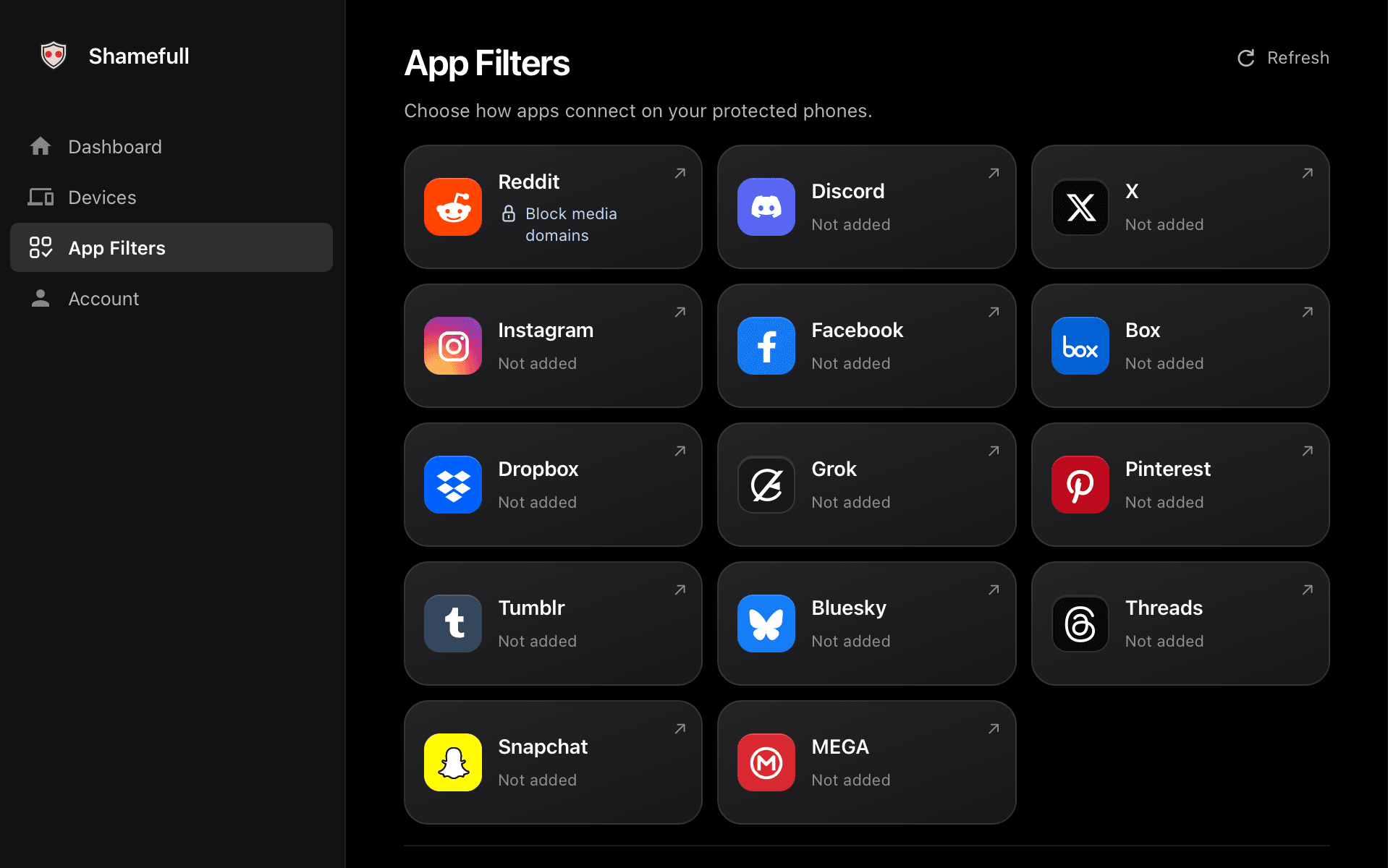
Porn protection is the baseline. Pick an app, choose how far its filter goes, and lock it in for every protected phone.
Choose on your computer
Locked when saved.Reddit above is saved to block its media domains. Saved filters apply to every protected phone on your account, including phones you add later. You can strengthen a saved filter, but you can’t turn it off or weaken it.
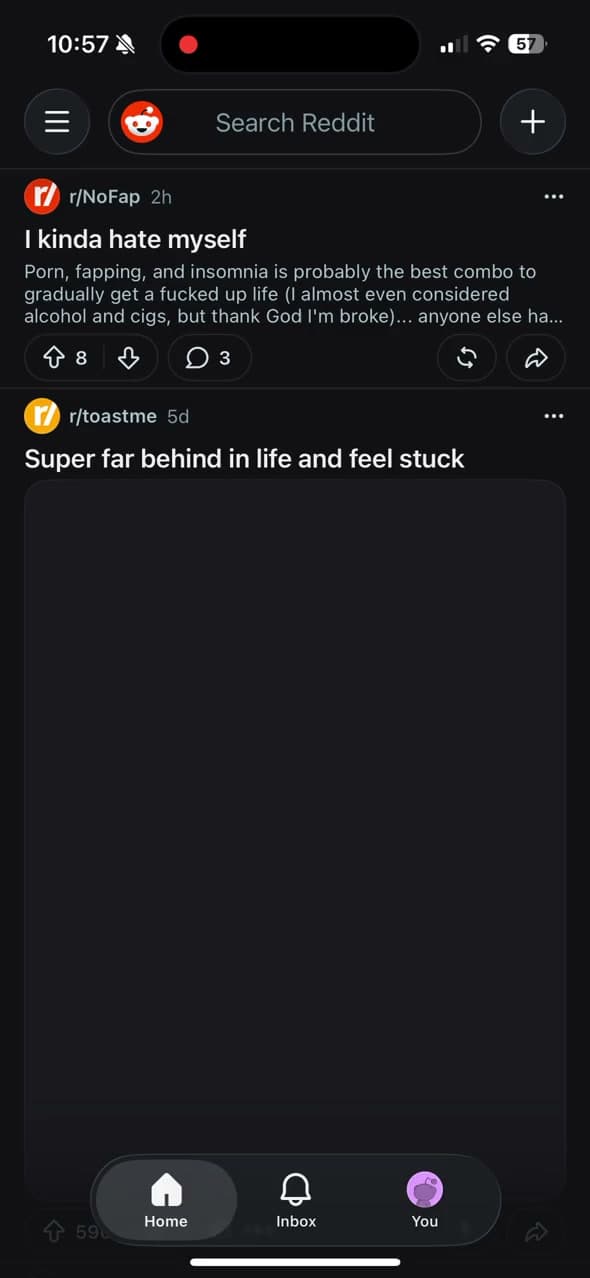
Domains, not posts.App filters block domains used by an app or its media. They don’t inspect posts or messages, can also affect other app features, and results vary by app and view. Your existing porn protection stays on.
Testimonials
In their words.
“
The only porn blocker that I can't just delete when I have an urge.
XXavier, 33
“
Shamefull has been an absolute game changer. I'm 6 months clean after trying to quit porn for years.
JJulia, 22
“
It's like all pornography just got deleted off the internet.
JJosh, 26
“
Best mobile porn blocker on the market, no comparisons.
JJack, 41
“
The only porn blocker that I can't just delete when I have an urge.
XXavier, 33
“
Shamefull has been an absolute game changer. I'm 6 months clean after trying to quit porn for years.
JJulia, 22
“
It's like all pornography just got deleted off the internet.
JJosh, 26
“
Best mobile porn blocker on the market, no comparisons.
JJack, 41
Compatibility
Made for your phone.
You need a computer and a USB data cable for setup. Protection stays on your phone after you disconnect.
iPhone + Mac
Apple Silicon · macOS 14 or later
USB data cable
Time for a backup, restore, and restart
The Mac app backs up your iPhone, applies supervision, restores it, and installs the locked filter. Allow for a backup, restore, and restart.
Windows and Intel Macs cannot set up an iPhone in this release.
Android + Mac or Windows
Android 10+ · Apple Silicon Mac with macOS 14+, or Windows 11 x64
USB data cable, USB debugging on
Every account temporarily removed from the phone
Temporarily remove every account from the phone and enable USB debugging before activation. You can add your accounts back after setup.
Blocks websites, not everything inside apps. DNS filtering works on domains. It does not inspect individual posts, videos, or messages.
Protected by a removal code. Phone management restricts changes to the filter. The standard removal process includes a 72-hour cancellation delay.
Your browsing stays out of our dashboard. Shamefull does not collect browsing history or screenshots. Read our privacy policy for how the service handles data.
Simple monthly plans
One filter. Choose how many phones.
Every plan includes iPhone and Android protection, community Discord access, and email support. Plans differ only by how many phones you cover.
Before you subscribe
iPhone needs an Apple Silicon Mac with macOS 14+. iPhone setup includes a backup and restore.
Android 10+ needs that Mac or a Windows 11 x64 PC. Android activation requires temporarily removing every phone account. You can add them back afterward.
Basic$25 / monthOne phone, with room for a second.Up to 2 phones
iPhone and Android protection
Community Discord access
Email support
Plus$35 / month$8.75 per phone across 4 phonesUp to 4 phones
iPhone and Android protection
Community Discord access
Email support
Pro$45 / month$6.43 per phone across 7 phonesUp to 7 phones
iPhone and Android protection
Community Discord access
Priority support
Billed monthly through Stripe. We create your account after payment and email you a setup link.
Cancel billing anytime. Removal codes become eligible after a 72-hour cancellation delay.
No refunds for partial billing periods. Billing terms
Questions
A few straight answers.
What does Shamefull block?
Shamefull blocks adult websites and other restricted domains on your phone. It does not inspect individual posts, videos, or messages inside apps. Some sites may be blocked incorrectly, and some unwanted content may get through.
Does the filter stay up to date?
Filtering is updated regularly to help block newly identified adult and malicious websites.
Can I remove it whenever I want?
You can cancel through the billing portal in your dashboard. That starts a 72-hour cancellation delay while protection stays active. When the delay ends, your removal codes arrive by email. An iPhone is removed by plugging it into a Mac running the Shamefull app and entering its code there; an Android phone takes its code in the Shamefull app on the phone. Use the codes within seven days: after that, an Android phone removes its own protection, and an iPhone has no internet until you remove the profile. Billing cancellation and phone removal are separate steps.
Is it impossible to bypass?
No. Shamefull adds friction to common ways of turning off a filter; it does not make bypass impossible. iPhone supervision protects the filter with a removal code. Android Device Owner restricts uninstall, VPN configuration, and factory reset from Settings. A full iPhone erase can remove its profile. No filter catches every website or replaces your own choices.
Do you see what I browse?
Shamefull does not collect browsing history, DNS queries, or screenshots. Our privacy policy explains how DNS requests are handled. Shamefull keeps the account, subscription, and registered device information needed to run the service.
Can I set it up without a computer?
No. Setup requires a compatible computer and a USB data cable. iPhone needs an Apple Silicon Mac with macOS 14 or later. Android 10 or later can use that Mac or a Windows 11 x64 PC. The computer does not need to stay connected after setup.
 Shamefull